Mobile installation by appointment in Nashville and nearby citiesGPS & kill switchesViper modelsService areas(615) 403-5381
Nashville Car Alarm
Car Alarm and Theft Guides · 2 min read

Valet Mode Explained: Let Others Drive Without Alarms

What valet mode is, when to use it and how to get out of it.

  • Plain-English guide
  • 2 min read
Valet Mode Explained: Let Others Drive Without Alarms

What it does

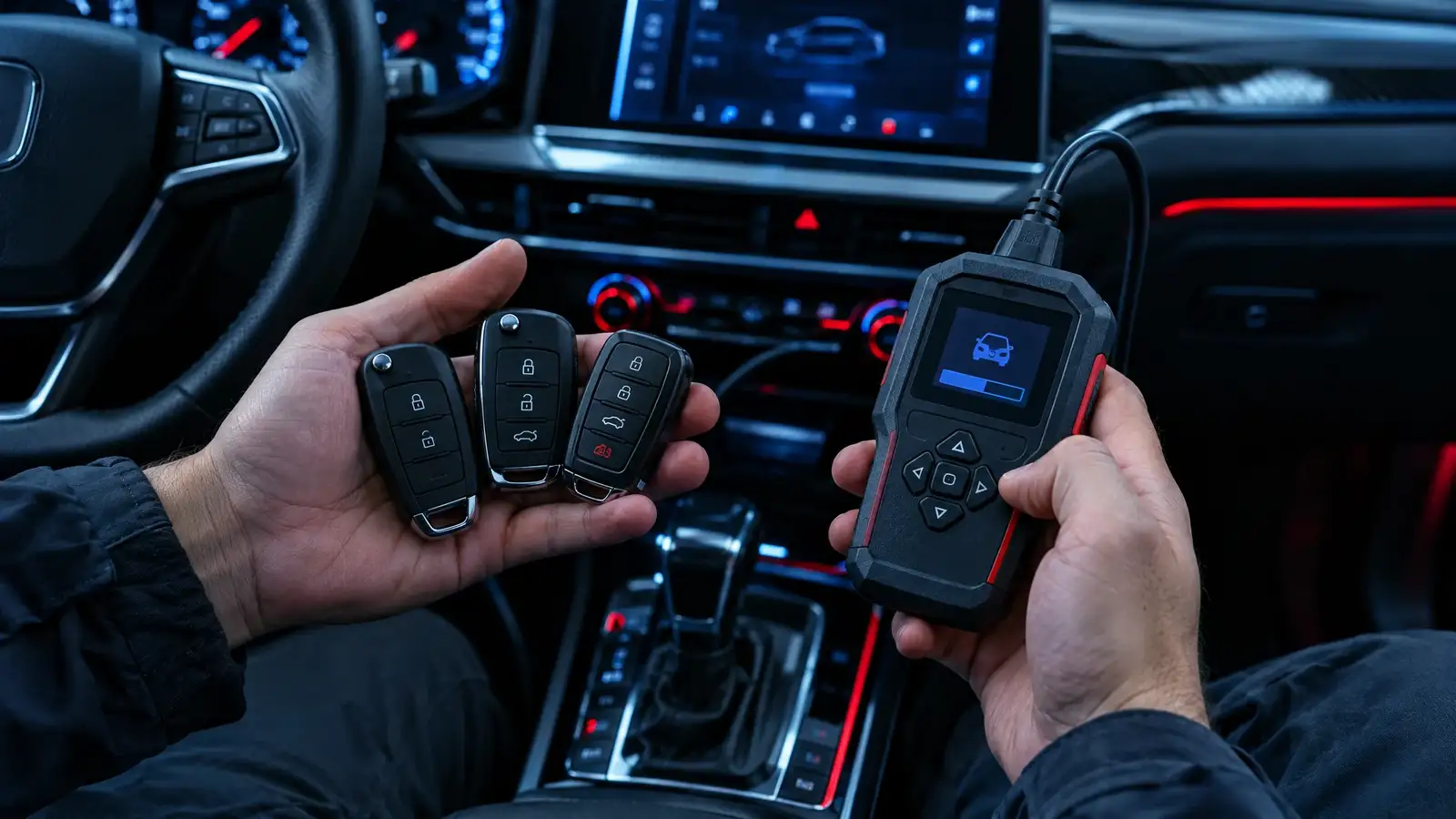
Valet mode puts the security system to sleep so a valet, a mechanic or a family member can drive the vehicle without the alarm reacting. Remote start may be disabled too.

How you enter and leave

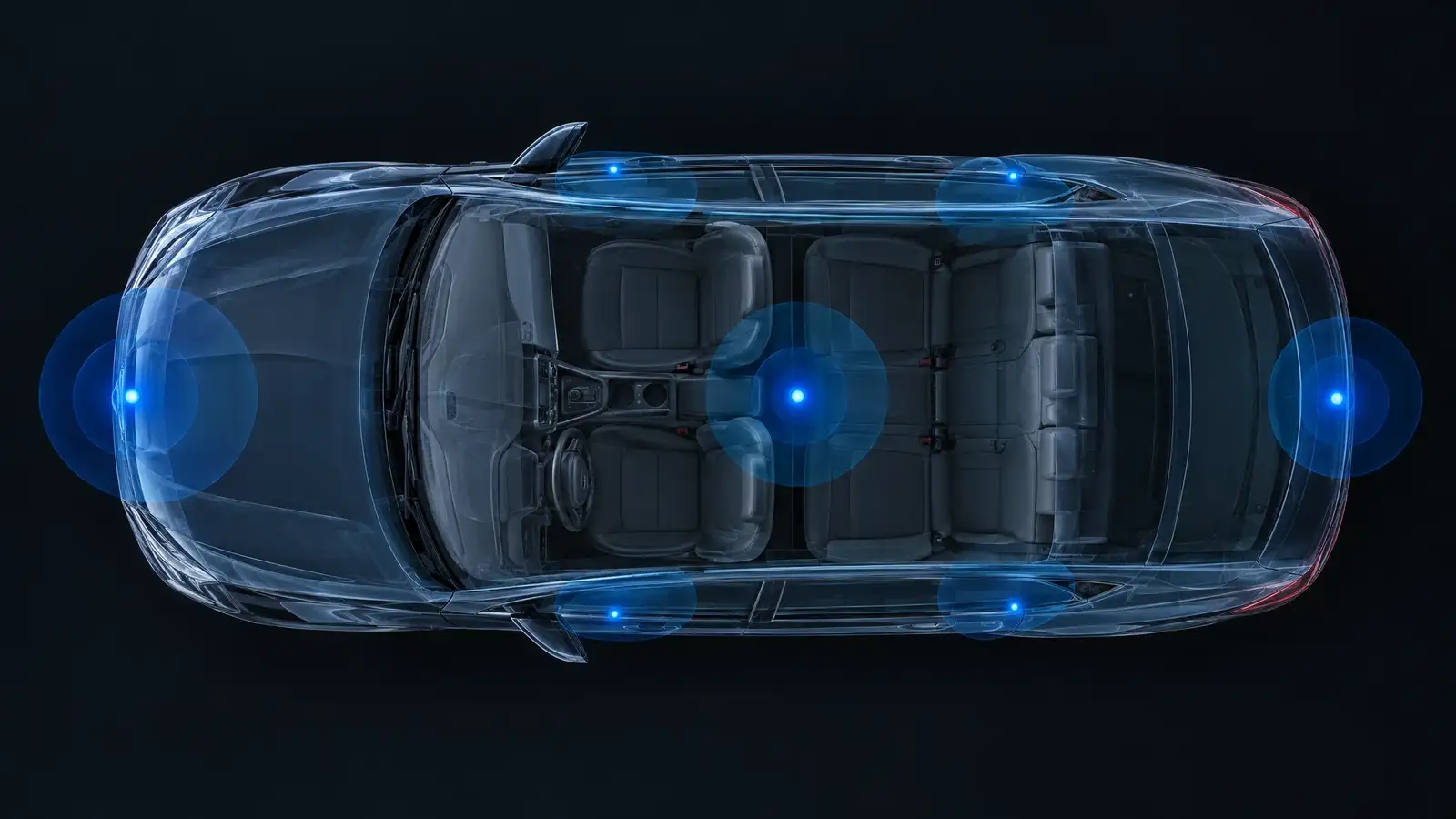
Most systems use a hidden valet switch or a button sequence. Viper control centers combine the antenna, the valet switch and a status LED in a single unit.

When to use it

At the car wash, at a service appointment and when lending the car. Remember to leave valet mode afterward.

A tip for hotels and valet stands

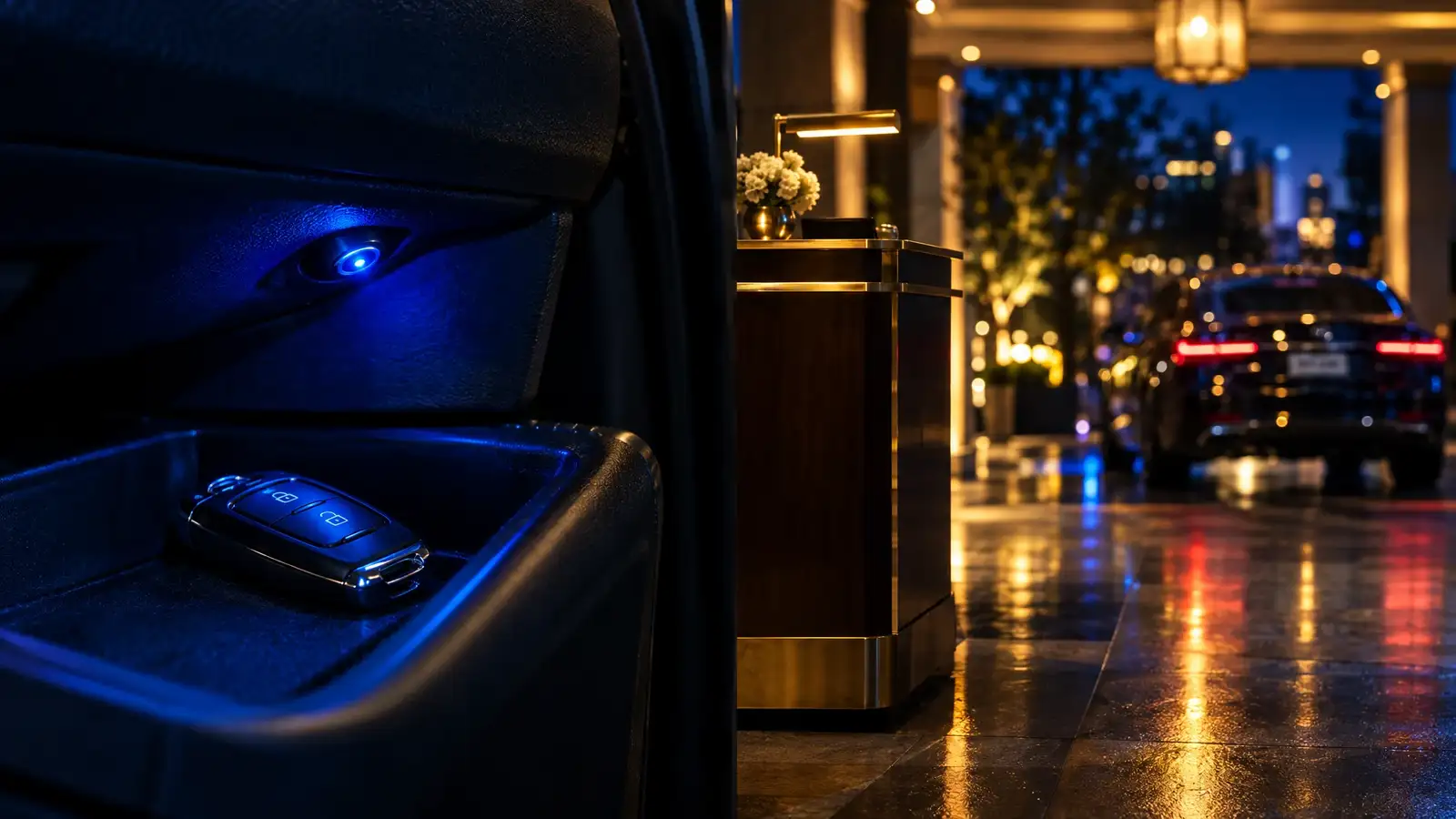
Many people put the system into valet mode before handing over the key, then forget to switch back. A small reminder on the dash or a habit of checking the LED at the next stop helps.

Quick answers

How do I know I am in valet mode?

A status LED usually shows it.

Can I forget to turn it back on?

Yes. That is a common reason an alarm "does not work".

Contact and appointments

Tell us the vehicle. We come to you.

Send the form or call. We confirm your vehicle works with the system you want, suggest the right Viper model and book a mobile installation by appointment in Nashville or a city near you.

  • Installed where you parkYour driveway, your workplace or your lot.
  • Compatibility firstWe check your year, make, model and key type before anything is ordered.
  • Every Viper model in stockCall or send the form to ask about any model you see here.
(615) 403-5381Prefer to talk? Call us.

Request a mobile installation

It takes about a minute.

By sending this form you agree that we may contact you about your request. See our privacy policy.

Call