Mobile installation by appointment in Nashville and nearby citiesGPS & kill switchesViper modelsService areas(615) 403-5381
Nashville Car Alarm
Buying and Install Guides · 2 min read

Mobile Installation Prep Checklist

Five minutes of prep that make the appointment go smoothly.

  • Plain-English guide
  • 2 min read
Mobile Installation Prep Checklist

The space

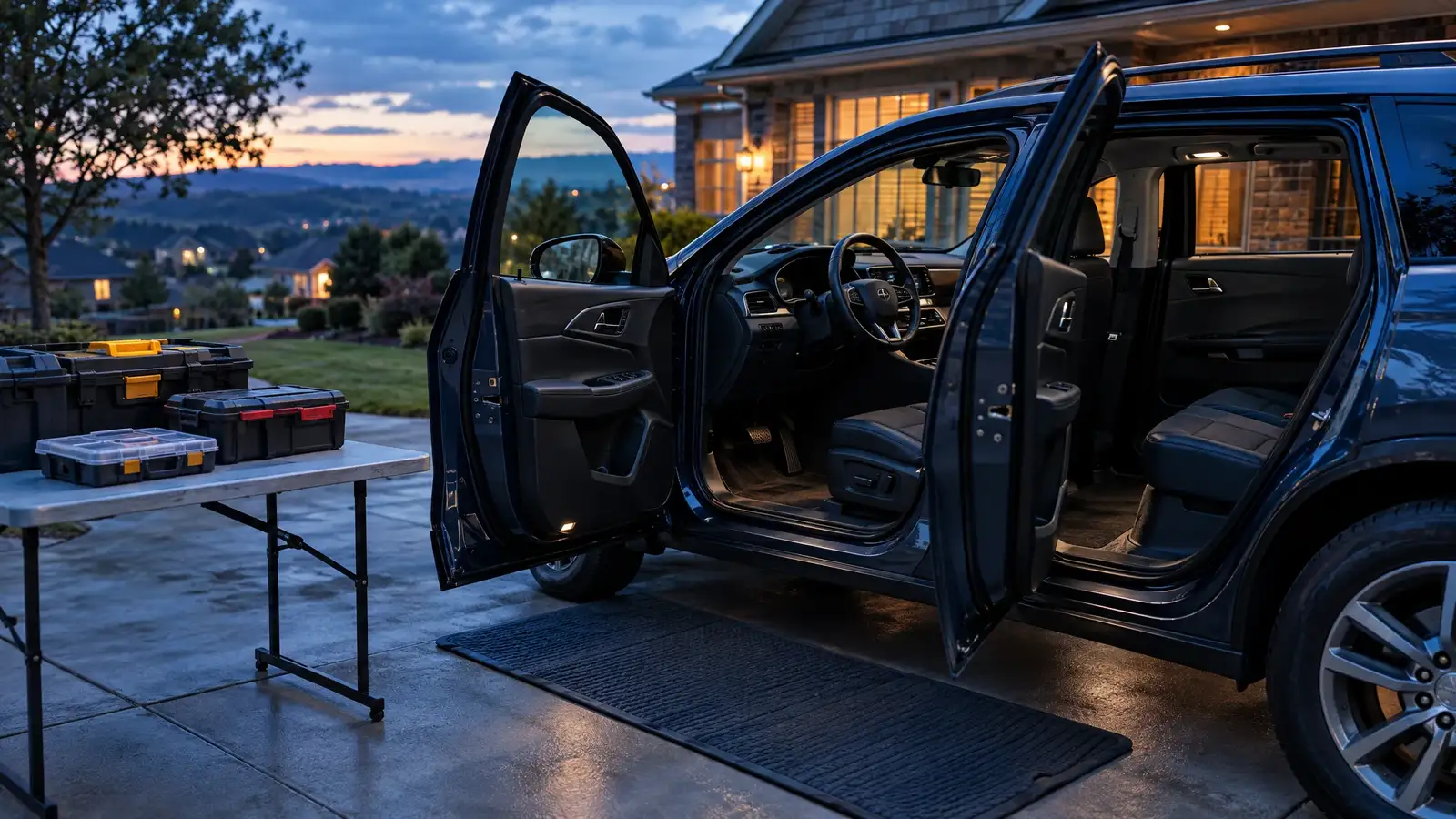
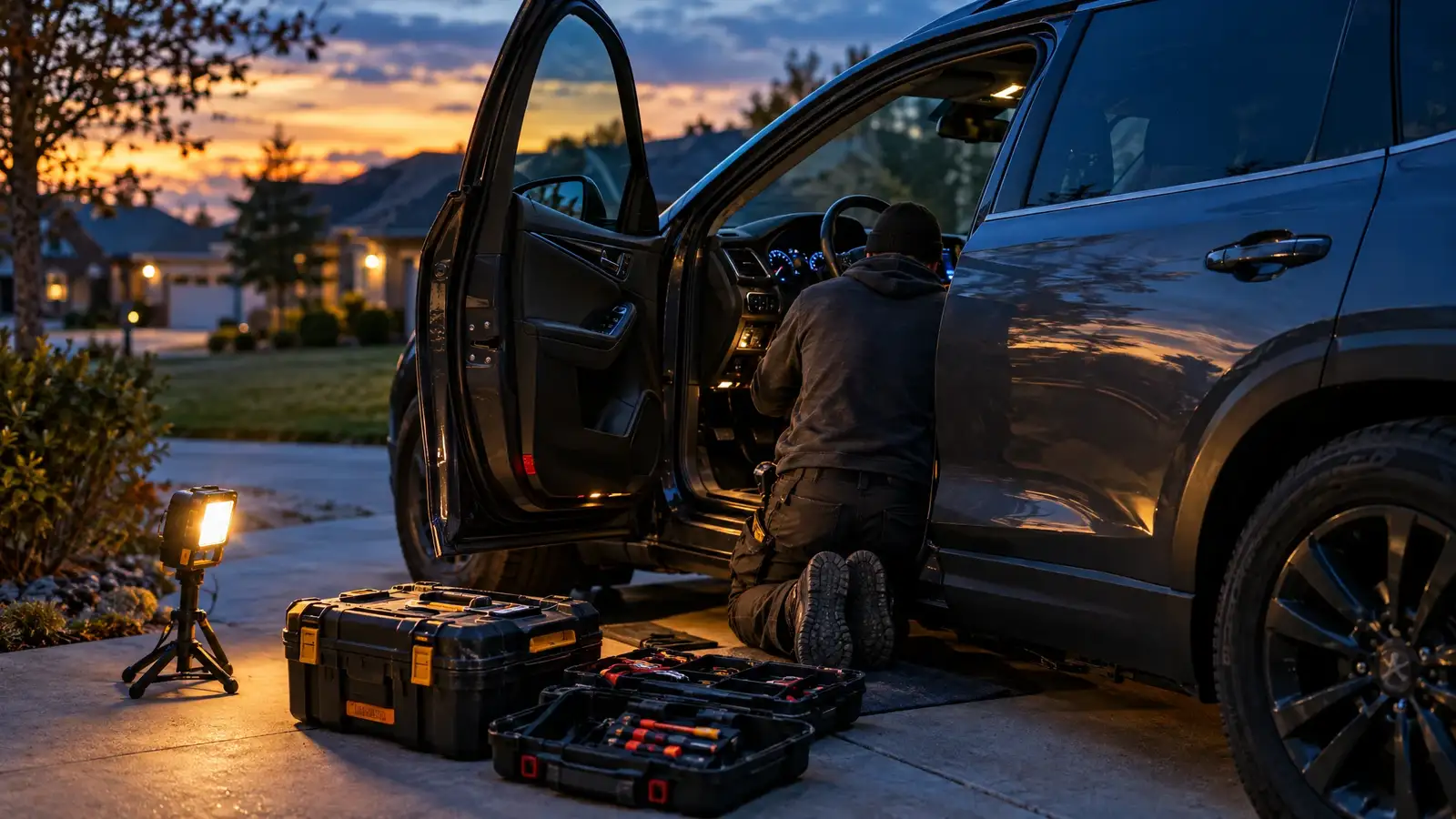
Park on a level surface with room to open every door fully. Shade or a garage helps in summer and in rain.

The car

Remove personal items and trash. Leave the keys and all remotes with the installer. Know any special codes for your radio.

The paperwork

Have your year, make, model and trim ready. Note any existing aftermarket systems.

Weather

In heavy rain or extreme cold, we may need to reschedule or use a garage.

The five-minute list

1. Clear a level spot. 2. Empty the cabin. 3. Gather every key and remote. 4. Write down your year, make, model and trim. 5. Charge your phone: you will use it for the app or the demo.

Quick answers

Do I need to be present?

Be available at the start and for the demo.

What if I rent my home?

You are welcome to book. Check your parking rules first.
Contact and appointments

Tell us the vehicle. We come to you.

Send the form or call. We confirm your vehicle works with the system you want, suggest the right Viper model and book a mobile installation by appointment in Nashville or a city near you.

  • Installed where you parkYour driveway, your workplace or your lot.
  • Compatibility firstWe check your year, make, model and key type before anything is ordered.
  • Every Viper model in stockCall or send the form to ask about any model you see here.
(615) 403-5381Prefer to talk? Call us.

Request a mobile installation

It takes about a minute.

By sending this form you agree that we may contact you about your request. See our privacy policy.

Call